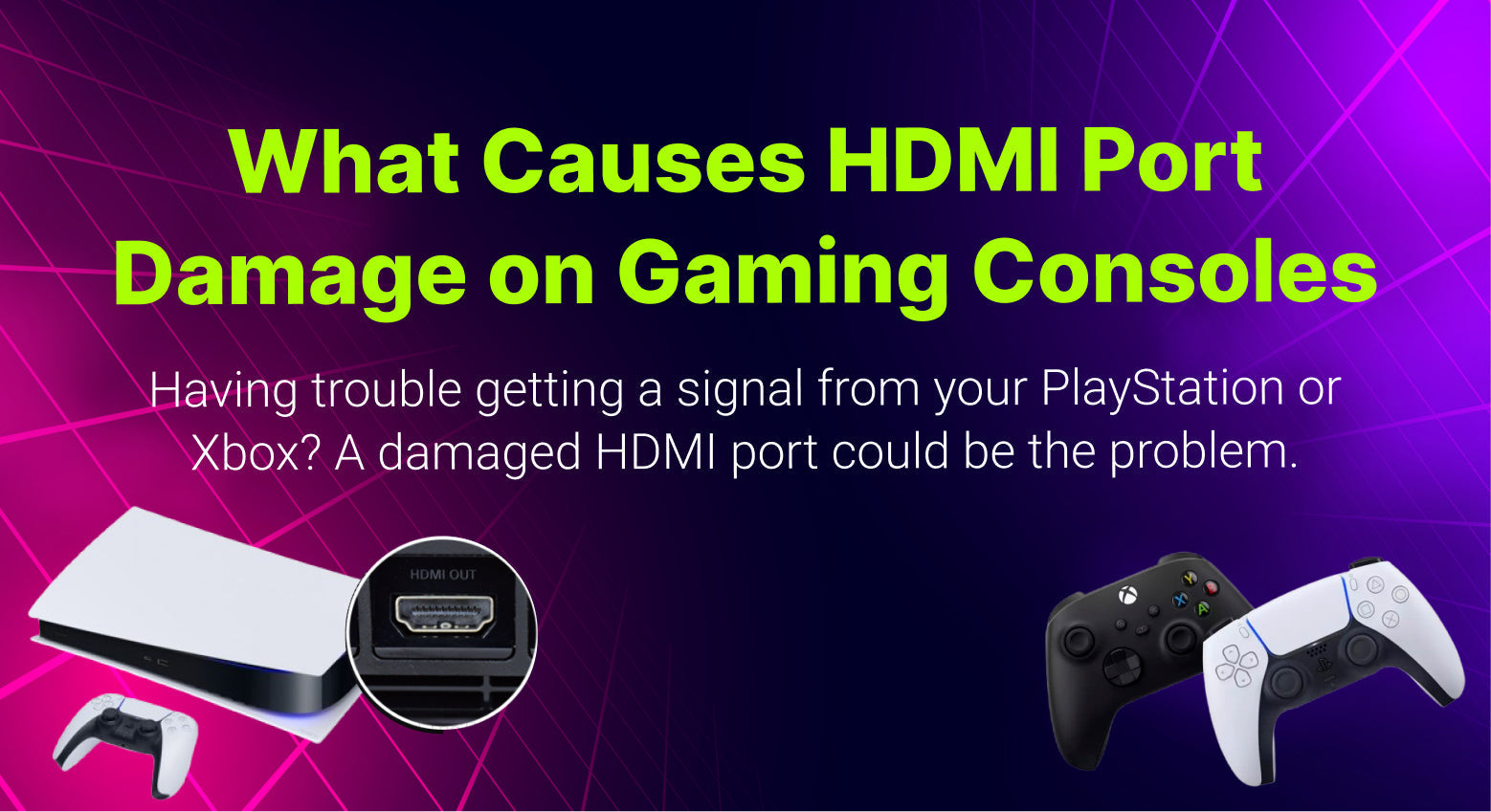
Gaming consoles like PlayStation, Xbox, and Nintendo Switch rely on a working HDMI port to connect to your TV or monitor. When the HDMI port becomes damaged, the console may show no picture, flicker on the screen, or fail to connect completely.
Many gamers in North Hollywood search for gaming console repair after experiencing these issues. Understanding what causes HDMI port damage can help prevent the problem and know when professional repair is needed.
What Does the HDMI Port Do on a Gaming Console?
The HDMI port is responsible for sending both video and audio signals from the console to your television. Without it working properly, the console cannot display anything on the screen.
If the port becomes loose, bent, or broken, the signal connection may stop working.
Common symptoms include
No signal on the TV
Screen flickering during gameplay
Loose HDMI cable connection
Console powers on but nothing appears on the screen
These are usually clear signs that the HDMI port may be damaged.

Common Causes of HDMI Port Damage
HDMI port damage is one of the most frequent repairs for gaming consoles. Several everyday situations can cause this problem.
1. Frequent Plugging and Unplugging
Constantly removing and reconnecting the HDMI cable can slowly wear down the port. Over time the internal pins may bend or loosen.
Gamers who move their consoles often are more likely to experience this issue.
2. Pulling the Cable at an Angle
If the HDMI cable is pulled sideways or at an angle, it can place pressure on the port. This can bend internal connectors or loosen the port from the motherboard.
Even small movements can cause damage if repeated over time.
3. Dust and Debris Inside the Port
Dust buildup inside the HDMI port can block proper contact between the cable and the console. In some cases, debris can even damage the small metal pins inside the port. Keeping the console in a clean environment helps reduce this risk.
4. Dropping or Moving the Console While Connected
Accidentally dropping the console or moving it while the HDMI cable is still plugged in can cause serious port damage. This sudden force may crack the port or disconnect it from the internal circuit board.
5. Using Low Quality HDMI Cables
Cheap or poorly designed HDMI cables may not fit correctly inside the port. Loose connections can increase wear and eventually damage the port. Using high quality cables helps maintain a stable connection.
Signs Your Console HDMI Port Needs Repair
If your HDMI port is damaged, you may notice several warning signs.
The TV shows no signal even when the console is on
The HDMI cable feels loose when plugged in
The screen cuts in and out during gameplay
The HDMI port looks bent or damaged
When these symptoms appear, it is best to have the console inspected by a professional repair technician.
Can a Damaged HDMI Port Be Repaired?
Yes, in most cases HDMI ports can be repaired or replaced.
A trained technician can remove the damaged port and install a new one using specialized tools. This restores the connection so the console can display video properly again.
For gamers searching for gaming console repair in North Hollywood, CA, HDMI port repair is a common service that can usually be completed quickly.
How to Prevent HDMI Port Damage
Taking a few simple precautions can help protect your console.
Avoid pulling the HDMI cable forcefully
Do not move the console while cables are connected
Use high quality HDMI cables
Keep dust away from the ports
Disconnect cables carefully when moving the console
These small habits can significantly extend the life of your HDMI port.
Professional Gaming Console Repair in North Hollywood, CA
If your PlayStation, Xbox, or Nintendo console is showing HDMI connection problems, a professional diagnostic can identify the exact issue.
A repair specialist can determine whether the HDMI port needs cleaning, adjustment, or full replacement.
Fast gaming console repair services in North Hollywood help gamers get back to playing without replacing their entire console.
