
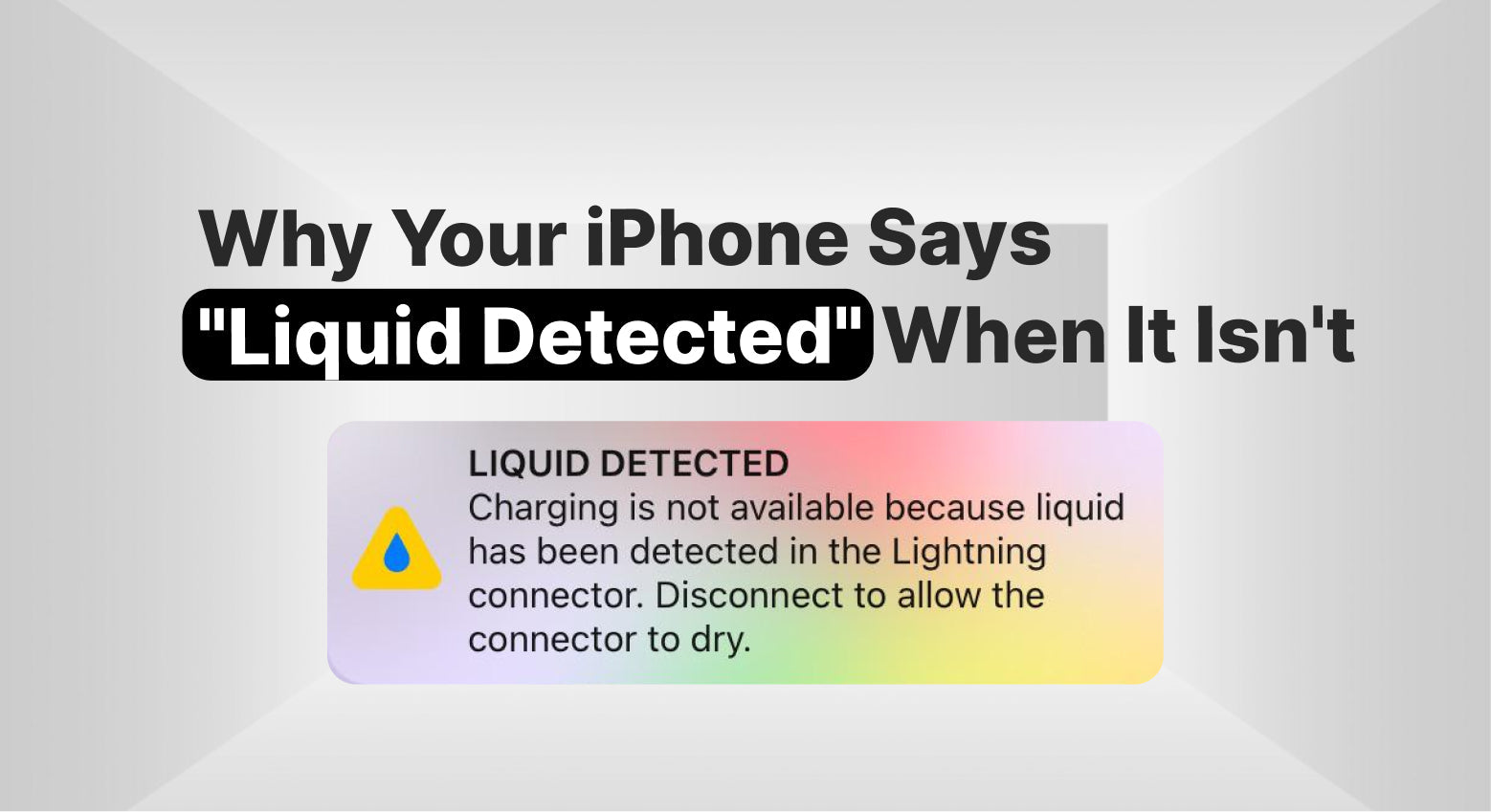
You're about to charge your iPhone when a message suddenly appears on the screen:
"Liquid Detected in Lightning Connector" or "Liquid Detected in USB-C Connector."
The problem? Your phone hasn't been near water.
This warning can be confusing and frustrating, especially when your iPhone seems completely dry. While the alert is designed to protect your device from damage, it doesn't always mean your phone has been dropped in water.
In many cases, there are other reasons why your iPhone displays a liquid detection warning.
What Does the Liquid Detected Warning Mean?
Modern iPhones include sensors that can detect moisture around the charging port. When the phone believes liquid may be present, it temporarily blocks charging to help prevent damage to internal components.
This safety feature is designed to reduce the risk of corrosion and electrical shorts that can occur when power passes through a wet connection.
The warning itself doesn't always confirm water damage. It simply means the device has detected conditions that resemble moisture inside or around the charging port.
Moisture Isn't Always Visible
One of the most common reasons for a liquid detection warning is moisture that you can't actually see.
Even if your iPhone hasn't been submerged in water, small amounts of moisture can enter the charging port from:
- humidity
- sweat
- steam from a shower
- rain exposure
- condensation caused by temperature changes
Because charging ports are small, even a tiny amount of moisture can trigger the warning message.
Dust and Debris Can Trigger the Alert
A dirty charging port can sometimes cause unexpected warnings.
Over time, lint, dust, and debris can collect inside the charging port. In some situations, this buildup interferes with the connection and may cause the phone to detect an abnormal condition.
While the issue isn't actually liquid, the phone's protection system may still respond by displaying a moisture warning.
Charging Accessories May Be the Problem
Sometimes the issue isn't the iPhone at all.
Damaged charging cables, worn connectors, or low-quality accessories can create irregular charging conditions that confuse the device. This can occasionally result in warnings appearing even when the phone itself is completely dry.
If the alert appears repeatedly, testing with a different charging cable can help determine whether the accessory is contributing to the problem.
Temperature Changes Can Cause Condensation
Moving between different temperatures can create condensation inside small areas of the phone.
For example, taking an iPhone from an air-conditioned environment into hot weather can sometimes create tiny moisture droplets that are difficult to notice. The same thing can happen when moving from a cold environment into a warmer room.
Although the moisture may disappear quickly, it can still be enough to trigger the liquid detection warning.
When the Charging Port May Need Attention
If the warning continues appearing even after the phone has had plenty of time to dry, there may be an issue with the charging port itself.
A damaged charging port, corrosion from previous moisture exposure, or internal connector problems can sometimes cause recurring liquid detection alerts.
When the warning becomes frequent or prevents normal charging, a professional inspection can help identify the underlying cause.
What You Should Avoid Doing
When the liquid detected warning appears, it's important not to force the charging process.
Attempting to charge immediately while moisture is present can increase the risk of damage. It's also best to avoid inserting objects into the charging port or using excessive heat to dry the device.
Allowing the phone time to air dry naturally is usually the safest approach.
Seeing a "Liquid Detected" warning on your iPhone doesn't always mean your device has water damage. Moisture, humidity, dust buildup, charging accessories, and even temperature changes can sometimes trigger the alert.
If the warning disappears after a short period, the issue may simply be temporary moisture. However, if it continues appearing regularly, the charging port or internal components may need professional inspection to prevent future charging problems.
